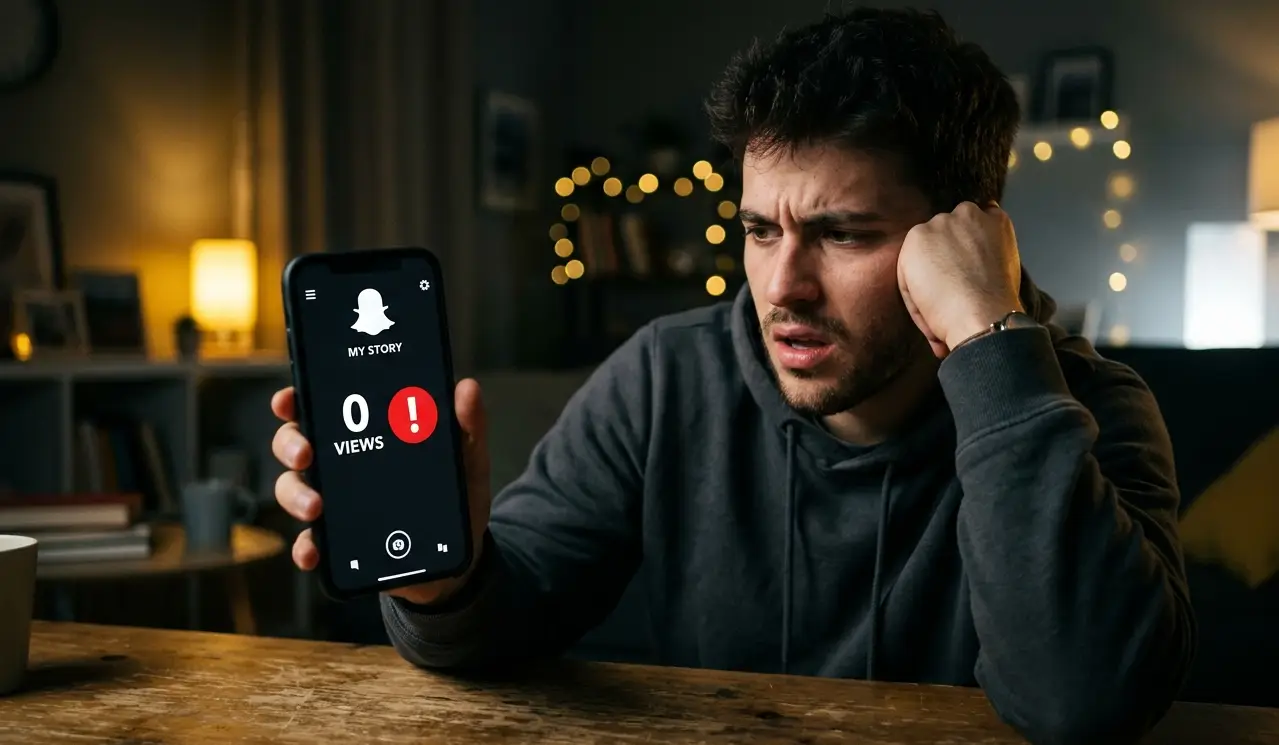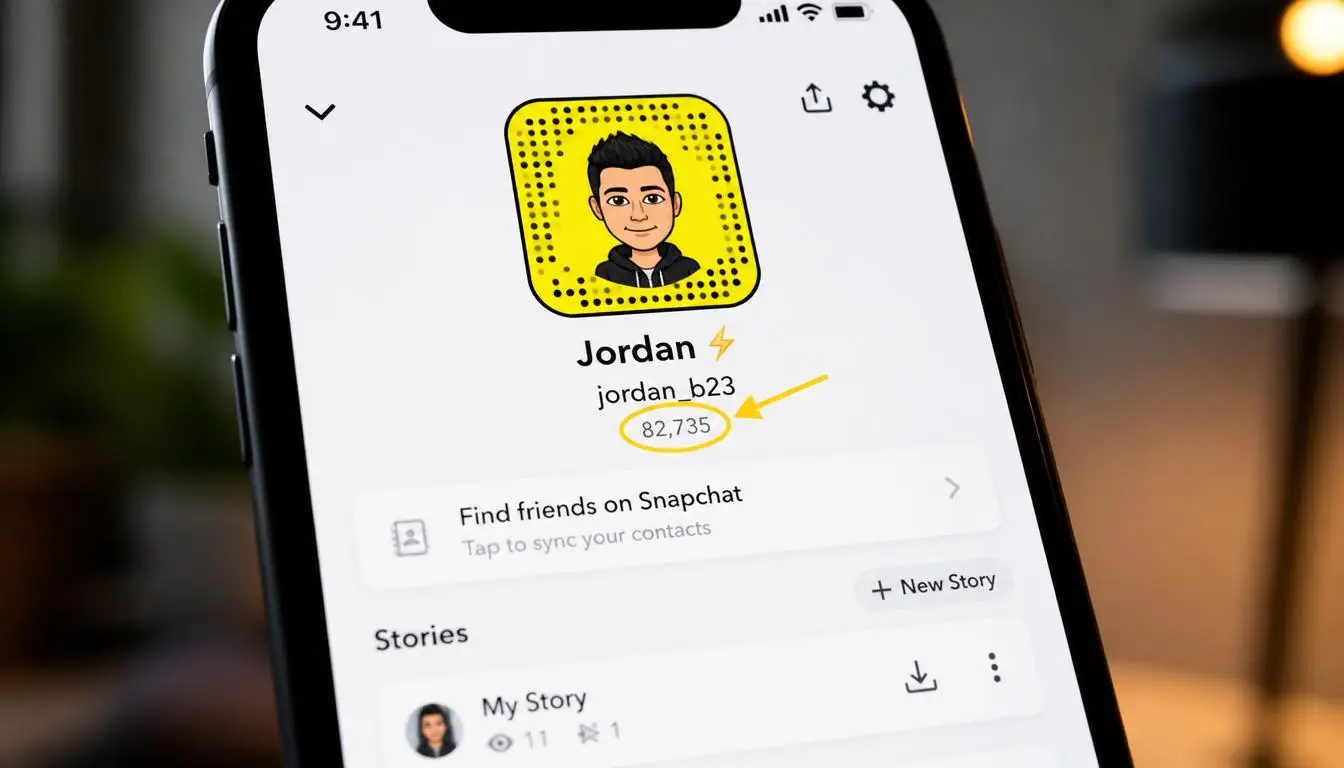
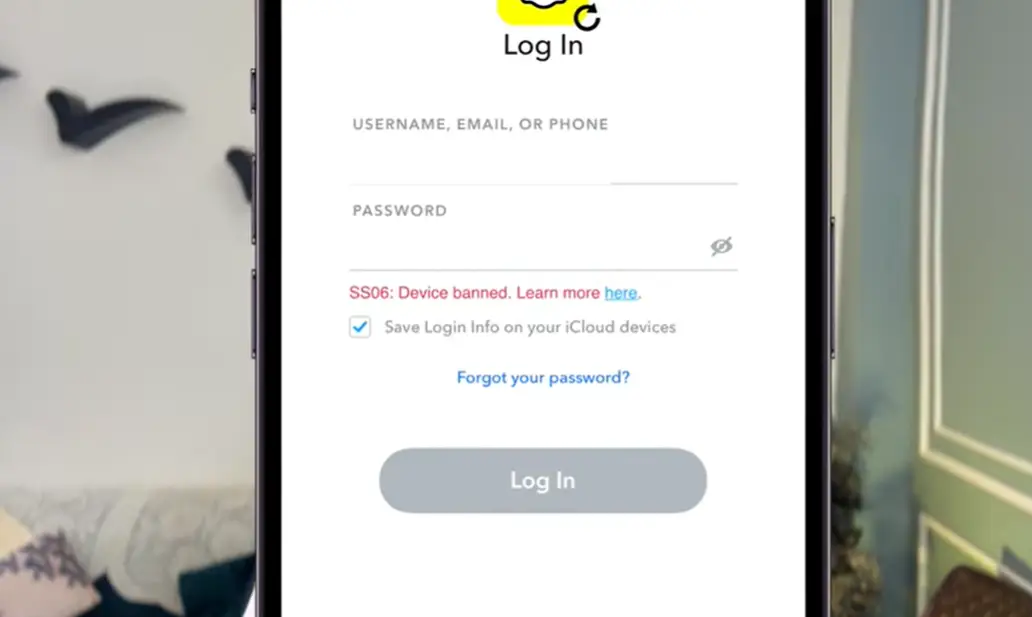
If you are a Snapchat user and you are getting the SS06 device banned error when trying to log in, you are not alone. This is a common problem that many users face, and there are multiple reasons why it happens.
In this article, we will cover all the possible reasons behind this error, how to fix it step by step, and one important thing that most creators never talk about: how to recover your data even if your account is gone.
What Is the Snapchat SS06 Device Ban Error?
When you try to log into Snapchat and see a message like:
- “SS06 – Device Banned”
- “Due to repeated attempts and suspicious activity, you are not accessible to your Snapchat”
- “Your Snapchat is temporarily disabled”
This means Snapchat has flagged your device and restricted your access. There is no single specific reason for this, there are multiple causes, which are explained below.

How do I know if my ban is temporary or permanent?
This is very important to understand, as the approach is different in both cases.
In a temporary ban, Snapchat blocks access for a short time, usually 24 to 72 hours. Your account still exists, and any login attempts result in a “temporarily disabled” or “try again later” message. This often happens when you’ve made too many simultaneous login attempts or if your network has suddenly changed.
In a permanent device ban, your device’s IMEI is blacklisted in Snapchat’s system. Whether you create a new account or reset your password, nothing works. If there is no appeal option on the login screen and the same error keeps appearing, then this is a sign of a permanent ban.
The simplest way to identify both is to wait 3 to 4 days without trying to login. If you get access afterward, it was temporary. If you don’t, it is permanent and you will have to shift to a different device.
Reasons Behind the Snapchat SS06 Device Ban
1. Logging In on Too Many Devices
If you have multiple devices, like two iPhones, a MacBook, a PC, or multiple laptops, and you log into the same Snapchat account on all of them, Snapchat flags this as suspicious activity. Similarly, if you log into multiple Snapchat accounts on a single device, Snapchat treats this as spamming behavior.
When Snapchat issues a device ban, it is tied to your device’s IMEI number. Since IMEI numbers are unique and cannot be changed, a device ban means you will never be able to use Snapchat on that device again. The only solution in that case is to switch to a different device.
If you are running multiple accounts on a single smartphone, this problem will hit you sooner or later, there is no escaping it.
2. Using a VPN While Using Snapchat
This is one of the most common mistakes. Using a VPN while logged into Snapchat is a major trigger for account bans. Many users have reported that their Snapchat accounts got disabled after connecting to a VPN.
For example, if you are in India and you connect to a US VPN while using Snapchat, the IP bounce confuses Snapchat’s systems. In VPN-related cases, the account can sometimes be permanently locked and cannot be recovered.
The clear advice here is: never use Snapchat with a VPN connected. If you really need a VPN for other purposes, simply uninstall Snapchat before turning the VPN on.
3. Using Third-Party or Modded Applications
If you are using a third-party or modded version of Snapchat, or even if you just have other modded apps installed on your phone, Snapchat can detect this. Apps like bots and similar tools that were not downloaded from the official App Store or Play Store can trigger a device ban.
Even if you are not using a modded Snapchat directly, having such apps on your device can lead to your account being locked, permanently banned, or device banned. Always make sure your device only has apps from official stores.

Suspicious Login Patterns
Many users don’t realize that Snapchat tracks their login patterns. If you log in from different locations in the same day, Wi-Fi at home, a different network at work, and then somewhere else, Snapchat’s system considers this suspicious because it thinks someone else is using your account.
This is why using Snapchat on public Wi-Fi is also risky. Shared networks often have many different devices connecting to the same IP address, which Snapchat flags.
Account Sharing
If you share your Snapchat account with someone else, whether a friend or family member, and they log in from a different device, this could also trigger a device ban. Snapchat accounts are meant for personal use. Simultaneous logins from multiple devices to a single account are a red flag for Snapchat.
How to Fix the Snapchat SS06 Device Ban Problem
If you are already facing this error, here are the steps to try and fix it:
Step 1: Wait 3 to 4 Days
The first thing to do is have some patience. Wait for 3 to 4 days without attempting to log in repeatedly. Sometimes Snapchat’s temporary restrictions lift on their own after a waiting period.
Step 2: Switch Your Network
If waiting does not help, try switching your network:
- Disconnect your device from Wi-Fi.
- Connect to your mobile data.
- Go into your device’s Network Settings and reset them.
- On iPhone, this is straightforward under Settings > General > Reset.
- On Android, the option may vary by device but is usually under Settings > General Management > Reset > Reset Network Settings.
- After resetting, try logging back into your Snapchat account.
This simple step resolves the issue for many users.
Step 3: Uninstall All Third-Party Applications
If switching networks did not work:
- Remove all apps from your device that were not downloaded from the official App Store or Google Play Store.
- Update Snapchat to the latest official version.
- Try logging in again.
This step is important if any unauthorized app was triggering the ban.
Step 4: Contact Snapchat Support
If none of the above steps work, you can try reaching out to Snapchat’s support team. However, there is an important truth you need to know about this, covered in the section below.
The Truth About Snapchat Device Bans That Nobody Tells You
Here is something critical that most guides overlook.
“If your device has been banned, Snapchat support cannot unban it for you.”
According to Snapchat’s support documentation, device bans are generally not reversible by the support team. However, in some cases, an in-app appeal option may appear when you try to log in. If you see an “Appeal Decision” button, you can submit an appeal through the app – this is the only legitimate appeal route available.
This means if a full device ban has been applied to your phone, even Snapchat’s own support team is unable to lift it. No form submission, no email, and no paid service from any third party will help. If anyone is promising to unban your device for money, they are misleading you.
The only real solution after a permanent device ban is to use a different device.
How to Recover Your Snapchat Data
Even if your Snapchat account cannot be saved, your data, photos, videos, and memories can still be recovered. Here is how:
- Go to Snapchat’s official “Download Your Data” page (available on Snapchat’s website under account settings).
- You will see the option “Download Your Data and Memories”.
- Follow the steps carefully to download everything to your phone, laptop, PC, or hard drive.
Many users have already used this method to successfully save their memories even after losing account access. Your data does not have to be lost just because your account is banned.
How to Create a New Snapchat Account After an SS06 Error
If your device is permanently banned and another device is available, do the following before creating a new account:
First, download your old data as described above, save memories and photos.
Only install Snapchat from the official Play Store or App Store on the new device.
Use a fresh email address and phone number when creating a new account; reusing an old number or email address can sometimes cause issues.
Absolutely avoid using a VPN with a new account.
And most importantly, only have one Snapchat account on a device. This was the reason for creating the first one, so don’t make the same mistake again.
One more thing: if your old username was popular or had a following, inform your friends and followers that you’re moving to a new account. Snapchat doesn’t give away the usernames of deleted or banned accounts, so you’ll have to choose a new one.
What’s the difference between an SS06 and an SS07 error?
SS06 means your device has been banned due to community guidelines violations; this is a serious ban. SS07 means too many accounts are associated with one device. The chances of appealing are slightly better with SS07. SS06 has a higher chance of a permanent ban.